POF-ML
Syntax
The POF-ML syntax is divided in two main parts: the product definition which identify the product involved in the script and the POF-ML script which defined the processing performed on the products.
Product definition
Simple product definition
In the VtWeb framework, a product is defined by three parameters:
- ModuleId: identifying the module which manage the product. A module is specialized in some dataset and communicate with the associated data provider.
- DatasetId: identifying the dataset of the product.
- GranuleId: identifying the product on which the script will be applied.
Here is an example for a Sentinel-2 MSI L1C product acquired the 03.01.2022 over the Mt Taranaki (New-Zeland)
ModuleId : VtSentinelMsi
DatasetId: Sentinel2B/MSI
GranuleId: S2B_MSIL1C_20220113T222539_N0301_R029_T59HQS_20220113T232528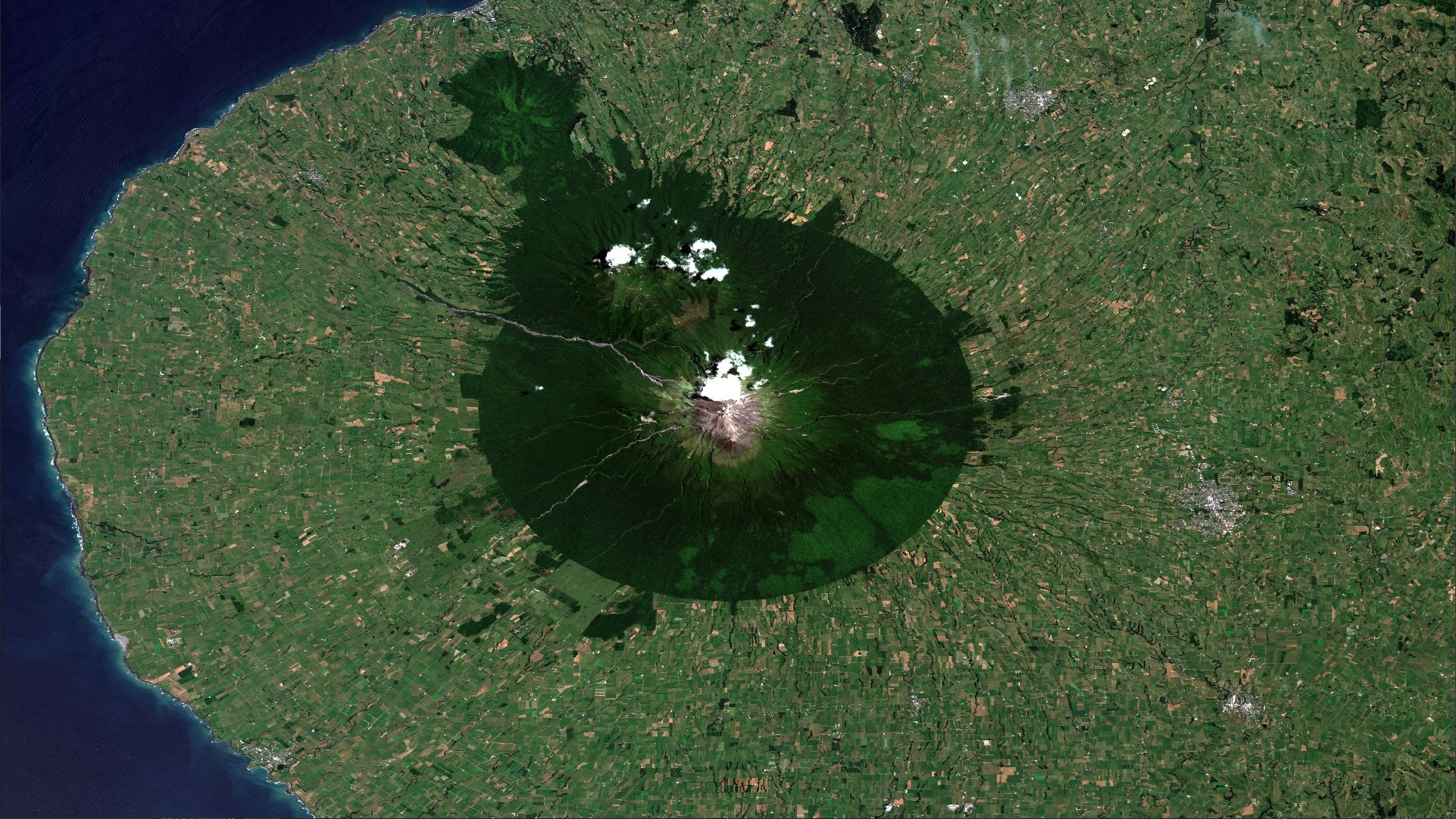
In order to define a product in the API, the Key Value Pair (KVP) syntax is used. Here after is an example of a product definition in an API URL
https://host/path/to/api?MODULEID=VtSentinelMsi&DATASETID=Sentinel2B/MSI&GRANULEID=S2B_MSIL1C_20220113T222539_N0301_R029_T59HQS_20220113T232528Another possible syntax is a JSON syntax like the following.
{
    "mId":"VtSentinelMsi",
    "dId":"Sentinel2B/MSI",
    "gId":"S2B_MSIL1C_20220113T222539_N0301_R029_T59HQS_20220113T232528"
}
This definition is used in the API using the GRANULES key and using the percent encoding.
https://host/path/to/api?GRANULES=%7B%22mId%22%3A%22VtSentinelMsi%22%2C%22dId%22%3A%22Sentinel2B%2FMSI%22%2C%22gId%22%3A%22S2B_MSIL1C_20220113T222539_N0301_R029_T59HQS_20220113T232528%22%7DMultipe product definition
Using the POF-ML, it is possible to combine several product together to perform complex processing. The definition is possible using both syntax.
When defining multiple product, a virtual array is created and each product will be addressable using their respective index starting from 0.
Here after is shown the two syntax.
KVP syntax
https://host/path/to/api?MODULEID=mid1&MODULEID=mid2&DATASETID=did1&DATASETID=did2&GRANULEID=gid1&GRANULEID=gid2JSON syntax
[
    {"mId":"mid1","dId":"did1","gId":"gid1"},
    {"mId":"mid2","dId":"did2","gId":"gid2"}
]
JSON syntax in URL
https://host/path/to/api?GRANULES=%5B%0A%20%20%20%20%7B%22mId%22%3A%22mid1%22%2C%22dId%22%3A%22did1%22%2C%22gId%22%3A%22gid1%22%7D%2C%0A%20%20%20%20%7B%22mId%22%3A%22mid2%22%2C%22dId%22%3A%22did2%22%2C%22gId%22%3A%22gid2%22%7D%0A%5DPOF-ML Script
Single product POF-ML
The script, also called "style", correspond to the successive geometric and radiometric transformation applied to the product(s). Its a nesting of simple function calls. Theses functions are called Processing Unit (PU). A full list of the existing PUs is available here.
Here is a simple example for a simple linear stretching on the Sentinel-2 band 8 which result in a greyscale image:
str(QT_B08,258,10720)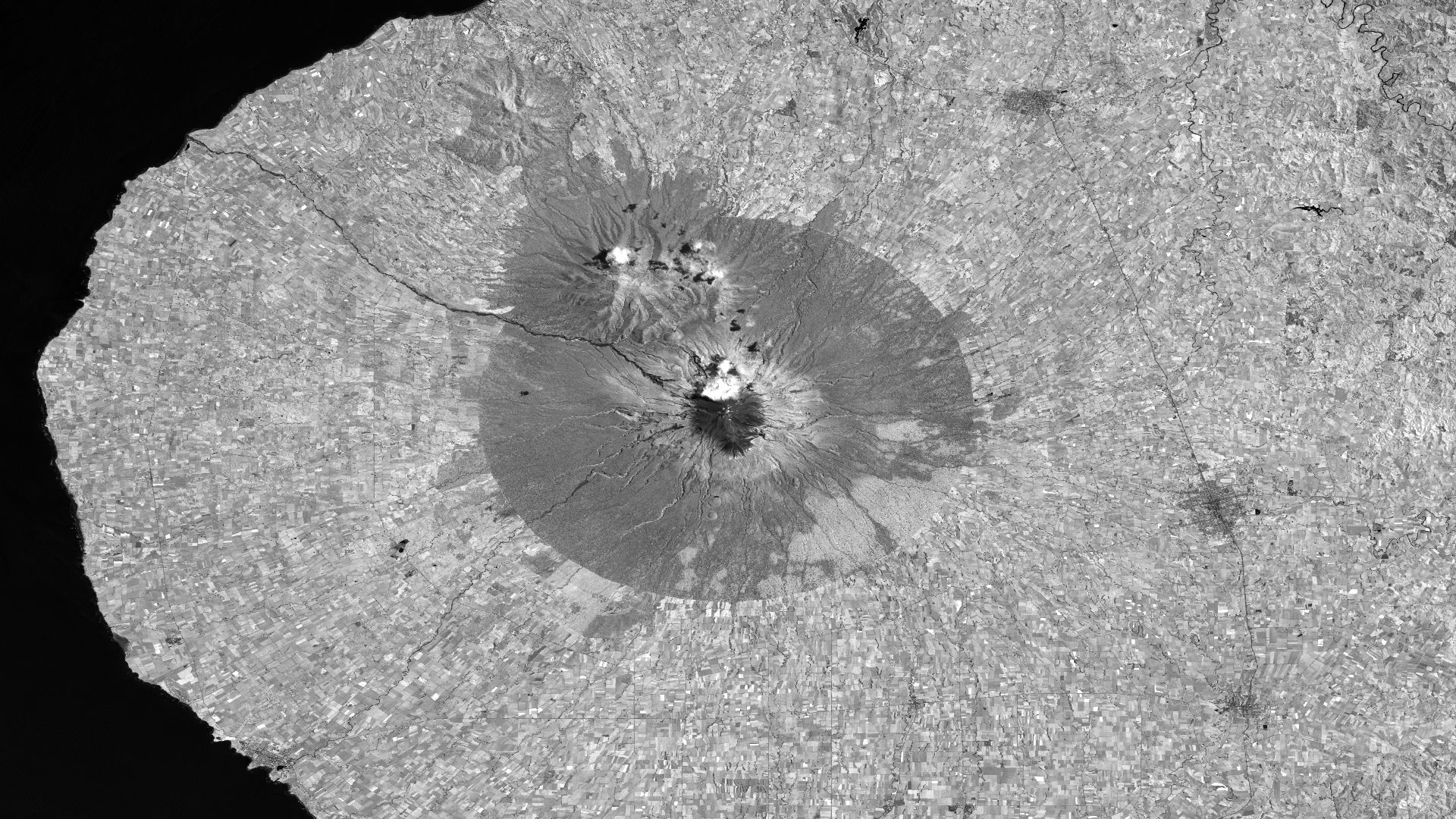
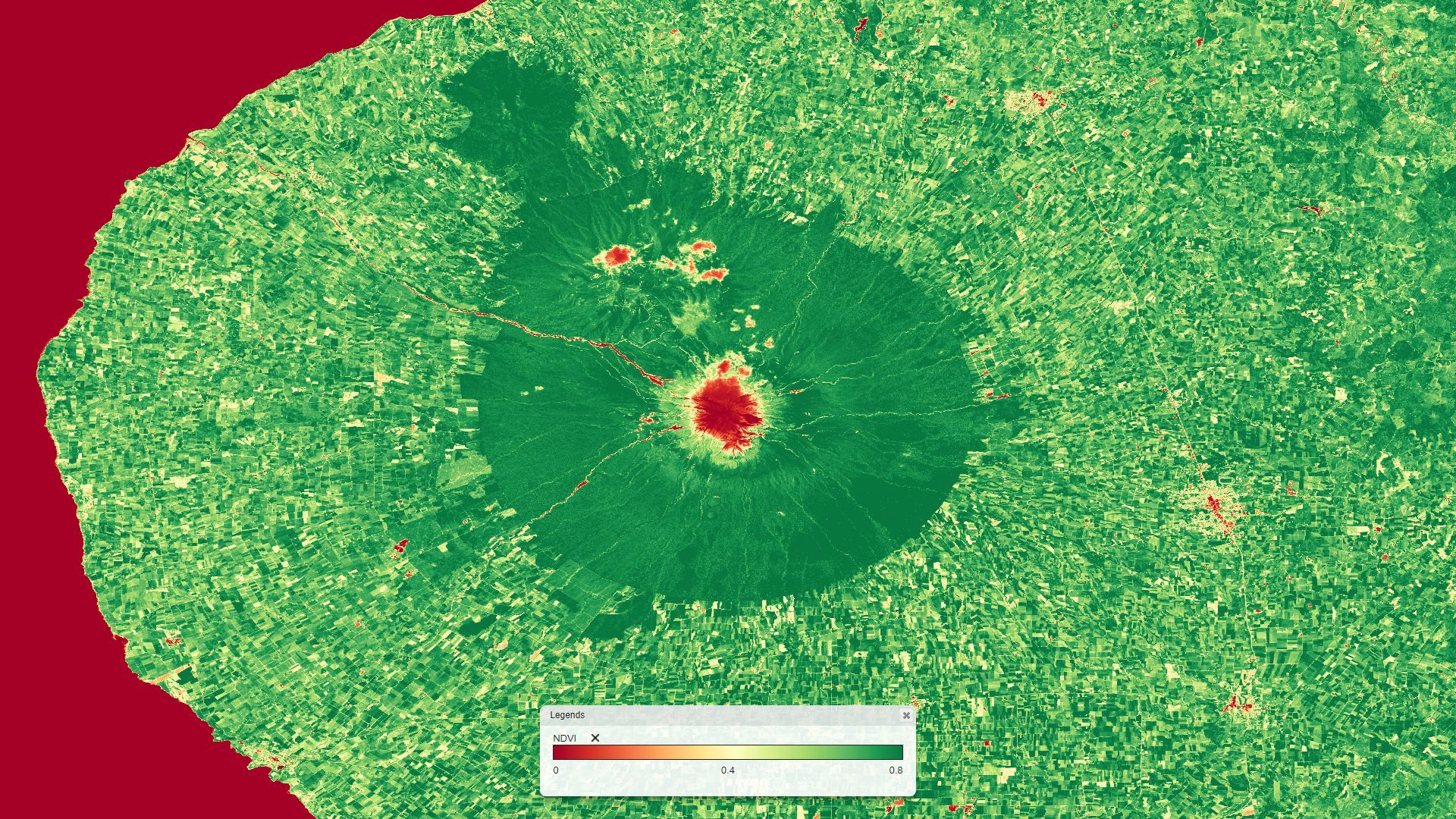
A second example which illustrates the nesting function calls mechanism. Its compute NDVI value of the Sentinel-2 product with a lookup table rendering between 0 and 0.8 from red to green.
lut(
    div(                        // divison of the substraction by the addition : (B08 - B04) / (B08 + B04)
        dif(QT_B08,QT_B04),     // substraction of B08 and B04 : (B08 - B04)
        add(QT_B08,QT_B04)      // addition of B08 and B04 : (B08 + B04)
    ),
    redyellowgreen,
    0,
    0.8,
    0
)
or simplified in
lut(
    ndvi(QT_B08,QT_B04),        // NDVI computed with B08 and B04 : (B08 - B04) / (B08 + B04)
    redyellowgreen,
    0,
    0.8,
    0
)
Multi product POF-ML
As explain above, it is possible to involve multi product, for example to perform a temporal mean to reduce the speckle. Here after is defined 4 successives Sentinel-1 acquisitions using the JSON syntax.
[
    {"mId":"VtSentinelCsarDhus","dId":"Sentinel1B/CSAR/IW","gId":"S1B_IW_GRDH_1SDV_20201104T170511_20201104T170536_024118_02DD85_80FE"},
    {"gId":"S1B_IW_GRDH_1SDV_20201116T170511_20201116T170536_024293_02E30D_67A4"},
    {"gId":"S1B_IW_GRDH_1SDV_20201128T170511_20201128T170536_024468_02E88E_E44D"},
    {"gId":"S1B_IW_GRDH_1SDV_20201210T170510_20201210T170535_024643_02EE33_A9AA"}
]
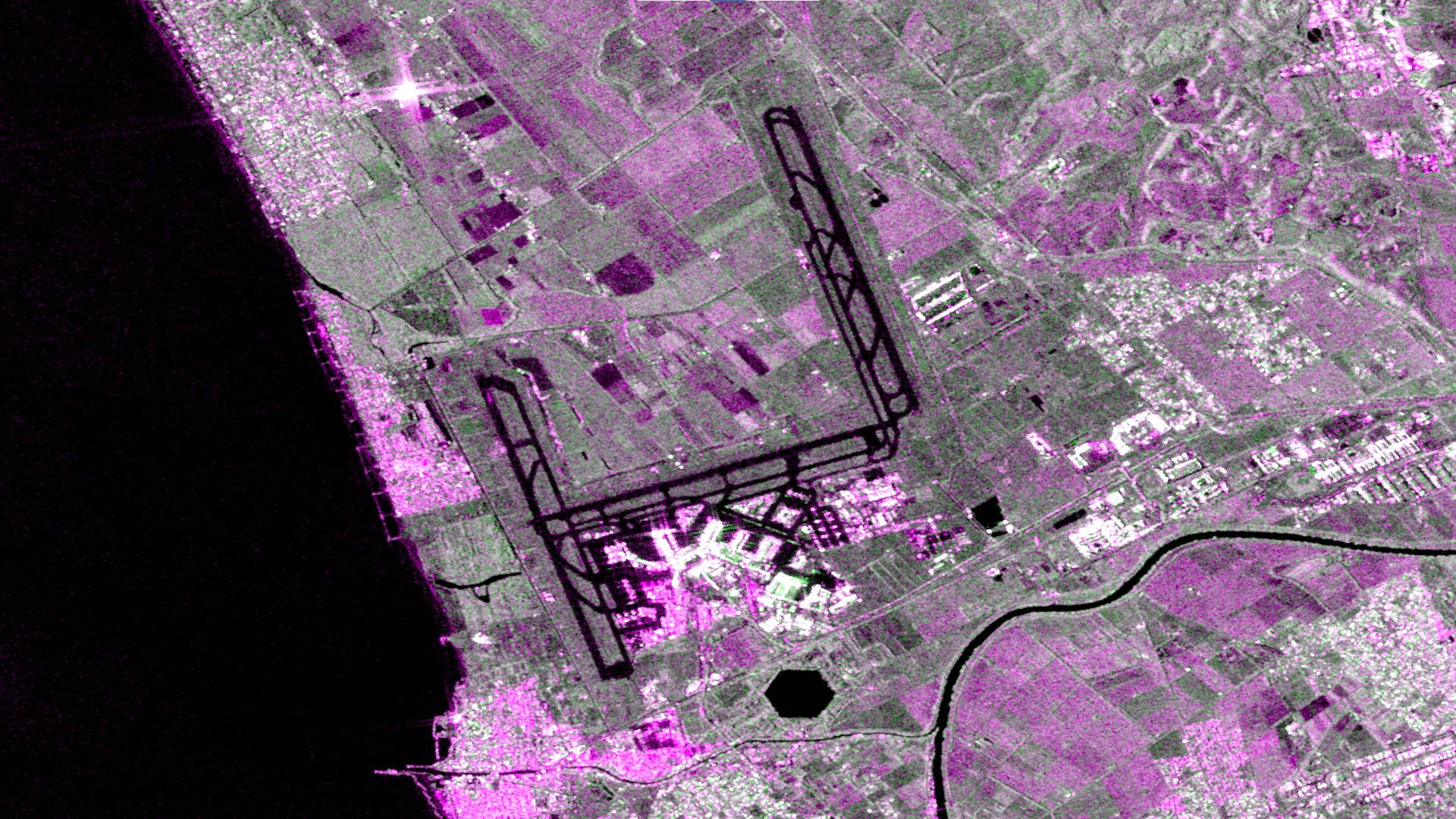
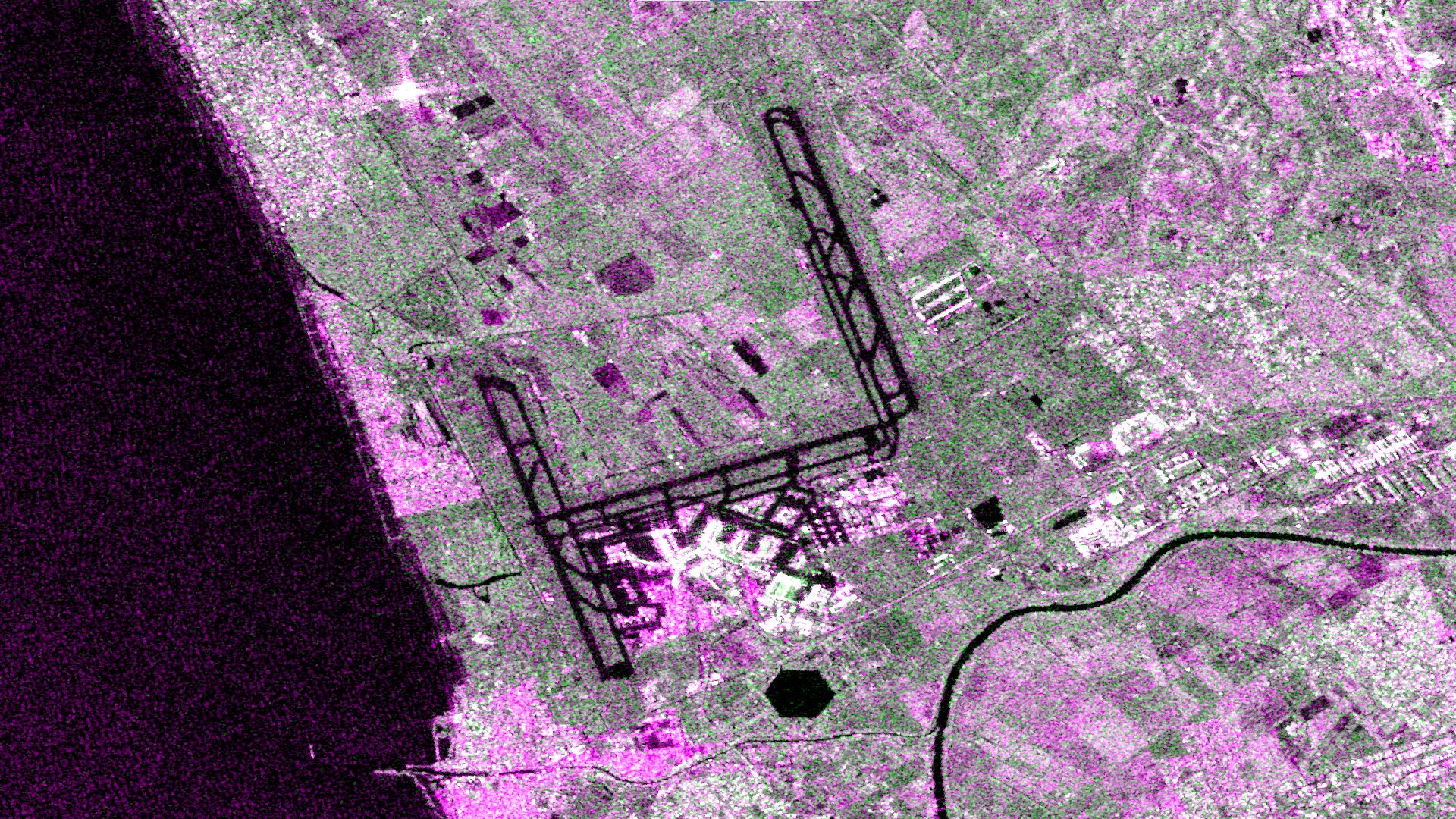
The following script performs a red/green/blue rendering using both polarization of Sentinel-1. The VV polarization is set on the red and blue channels while the VH polarization is set on the green channel. An orthorectification (sar), a gamma0 calibration (s1cal) and a thermal noise correction (s1cal) has been performed. The "3:" before the resources "QT_vv", "QT_vh" and "rasterCrsOrtho" means that we request the product of index 3 (the last one).
rgb(
    str(
        sar(pp(s1cal(s1nc(band(3:QT_vv)),g0)),3:rasterCrsOrtho,cdem30,egm2008),
        -18,
        -3
    ),
    str(
        sar(pp(s1cal(s1nc(band(3:QT_vh)),g0)),3:rasterCrsOrtho,cdem30,egm2008),
        -25,
        -8
    ),
    str(
        sar(pp(s1cal(s1nc(band(3:QT_vv)),g0)),3:rasterCrsOrtho,cdem30,egm2008),
        -18,
        -3
    )
)
The following script perfoms a mean pixel per pixel before the histogram transformation (str).
rgb(
    str(
        meanf(
            sar(pp(s1cal(s1nc(band(0:QT_vv)),g0)),0:rasterCrsOrtho,cdem30,egm2008),
            sar(pp(s1cal(s1nc(band(1:QT_vv)),g0)),1:rasterCrsOrtho,cdem30,egm2008),
            sar(pp(s1cal(s1nc(band(2:QT_vv)),g0)),2:rasterCrsOrtho,cdem30,egm2008),
            sar(pp(s1cal(s1nc(band(3:QT_vv)),g0)),3:rasterCrsOrtho,cdem30,egm2008)
        ),
        -18,
        -3
    ),
    str(
        meanf(
            sar(pp(s1cal(s1nc(band(0:QT_vh)),g0)),0:rasterCrsOrtho,cdem30,egm2008),
            sar(pp(s1cal(s1nc(band(1:QT_vh)),g0)),1:rasterCrsOrtho,cdem30,egm2008),
            sar(pp(s1cal(s1nc(band(2:QT_vh)),g0)),2:rasterCrsOrtho,cdem30,egm2008),
            sar(pp(s1cal(s1nc(band(3:QT_vh)),g0)),3:rasterCrsOrtho,cdem30,egm2008)
        )
        -25,
        -8
    ),
    str(
        meanf(
            sar(pp(s1cal(s1nc(band(0:QT_vv)),g0)),0:rasterCrsOrtho,cdem30,egm2008),
            sar(pp(s1cal(s1nc(band(1:QT_vv)),g0)),1:rasterCrsOrtho,cdem30,egm2008),
            sar(pp(s1cal(s1nc(band(2:QT_vv)),g0)),2:rasterCrsOrtho,cdem30,egm2008),
            sar(pp(s1cal(s1nc(band(3:QT_vv)),g0)),3:rasterCrsOrtho,cdem30,egm2008)
        ),
        -18,
        -3
    )
)
or simplified using the "for"
rgb(
    str(
        for(
            sar(pp(s1cal(s1nc(band(QT_vv)),g0)),rasterCrsOrtho,cdem30,egm2008),
            meanf
        ),
        -18,
        -3
    ),
    str(
        for(
            sar(pp(s1cal(s1nc(band(QT_vh)),g0)),rasterCrsOrtho,cdem30,egm2008),
            meanf
        )
        -25,
        -8
    ),
    str(
        for(
            sar(pp(s1cal(s1nc(band(QT_vv)),g0)),rasterCrsOrtho,cdem30,egm2008),
            meanf
        ),
        -18,
        -3
    )
)